 NL
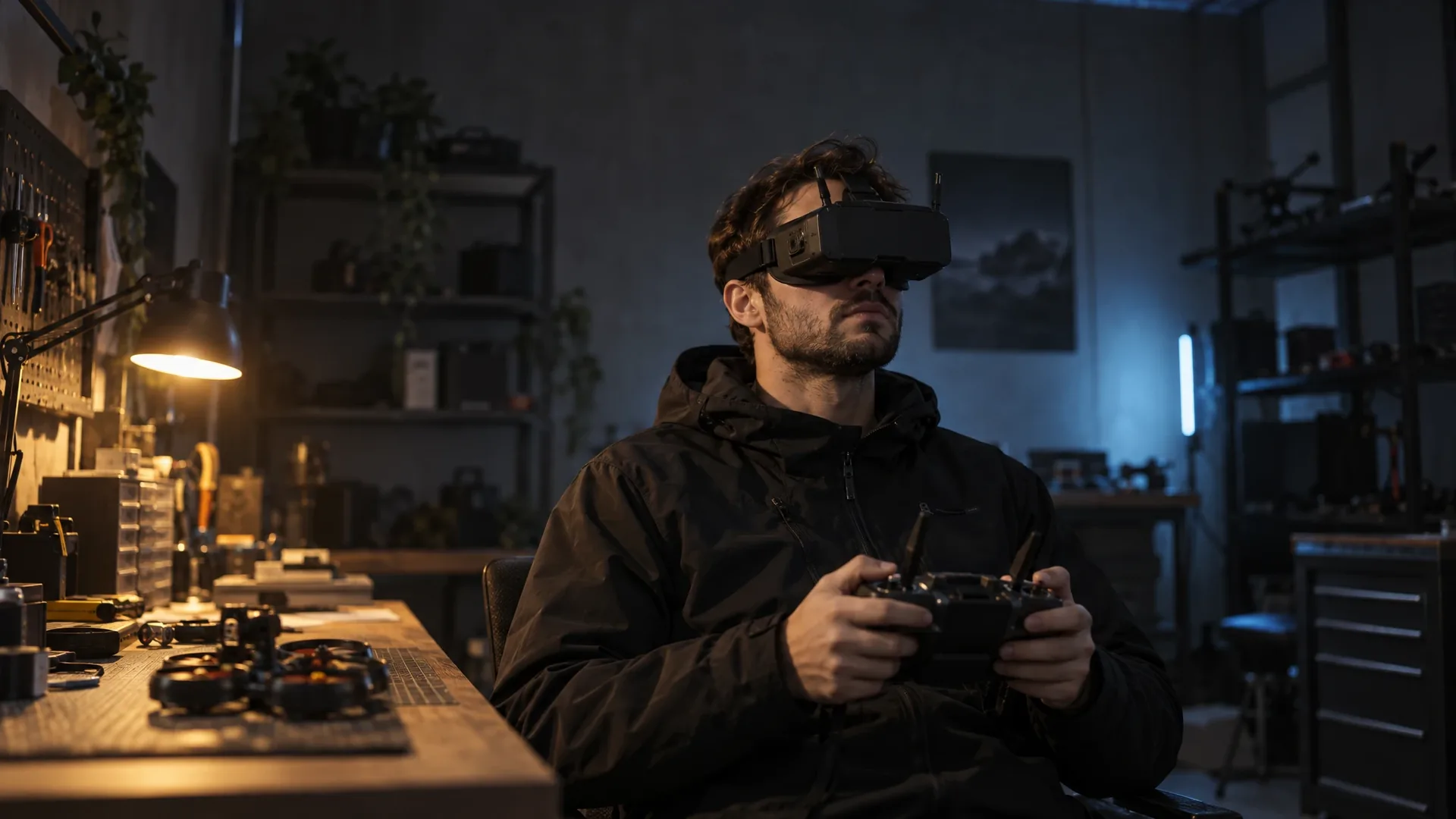
One rule decides every purchase in 2027: the goggles follow the video system, not your budget. So you do not pick goggles first and a drone afterward. You pick a video system (analog, DJI, Walksnail Avatar, HDZero or one of the new budget digital systems), and that largely settles the choice of goggles.
A purchase in 2027 looks different from three years ago. More digital systems have come onto the market, and getting into HD has become cheaper. Analog also remains the entry point for anyone who wants to spend little and mainly learn to fly. More choice also means more chance of a miss: many goggles are compatible with only one system. What follows is the current state of play, with the line extended into 2027.
Choose your video system first
Every video system has its own cameras, transmitters (air units) and goggles. Goggles therefore only work with the systems they were built for. Anyone who buys goggles first without looking at the air units and drones that go with them risks ending up with goggles that do not fit the drone they want to fly.
Analog is the cheapest and most forgiving system, but the picture is less sharp. DJI, Walksnail Avatar and HDZero are digital and deliver a sharper picture, each with its own trade-off between image quality, latency, price and availability of parts. The choice depends on the platform you fly, such as a small indoor drone or a larger platform with a good camera.
| Video system | Main advantage | Where it fits |
|---|---|---|
| Analog | Cheap, light and widely supported | Beginners, tiny whoops, budget flying and racing |
| DJI | Strong HD picture and good video performance | General FPV, freestyle and cinematic work |
| Walksnail Avatar | Good HD quality and many different air units | General FPV, freestyle and micro drones |
| HDZero | Low and predictable latency | Racing and fast work |
The budget digital systems are new. BetaFPV has ArtLynk, with its own goggles and its own air units. The HD quality is good for the price, but the latency is higher and the ecosystem is small. Walksnail has Ascent, a separate system alongside Walksnail Avatar. Ascent is comparable to ArtLynk and similarly priced. Watch the compatibility: Avatar goggles do not work with Ascent and vice versa.
The recommended goggles by budget
The goggles below are grouped by system and by budget, with the points to watch for. The table gives the overview, the subsections the details.
| Category | Model | Why |
|---|---|---|
| Budget analog | BetaFPV VR04 | Box goggles with receiver, DVR and battery, with room for glasses |
| Budget alternative | EV800D | Usable, but quality varies from unit to unit |
| Best value analog | Skyzone Cobra SD | SteadyView, DVR, anti-fog fan and HDMI input |
| Premium analog | Skyzone SKY04X Pro | OLED, adjustable focus and a large field of view |
| DJI premium | DJI Goggles 3 | OLED, adjustable focus and a compact housing |
| DJI budget | DJI Goggles N3 | Box goggles, cheaper, works with the O4 series |
| Walksnail premium | Walksnail Goggles X | OLED, adjustable focus and HDMI input |
| Walksnail budget | Walksnail Goggles L | LCD at 60 Hz, fixed antennas and fewer connections |
| HDZero premium | HDZero Goggles 2 | OLED, native HDZero and a built-in analog receiver |
| HDZero budget | HDZero BoxPro | Box goggles with native HDZero for those who do not want to pay top price |
Budget analog: BetaFPV VR04
The VR04 is a box goggle with a built-in 5.8 GHz receiver, DVR, rechargeable battery, room for glasses and a replaceable antenna. Downsides are the lack of a diversity receiver and that the screen only handles 16:9, so a 4:3 picture looks slightly stretched. Note that the VR04 HD and the VR04 HD Pro are ArtLynk goggles and therefore not analog goggles.
Beta alternative: EV800D
The EV800D is usable, but the quality fluctuates and there are many counterfeit units in circulation. Buy it only from a reliable shop.
Best value analog: Skyzone Cobra SD
The Skyzone Cobra SD has SteadyView diversity, DVR, an anti-fog fan and an HDMI input. The more expensive Cobra X has a sharper screen, but that difference is hardly noticeable with an analog picture.
Premium analog: Skyzone SKY04X Pro
The SKY04X Pro has an OLED screen, adjustable focus, a large field of view and SteadyView. It only makes sense if you plan to stay with analog for a long time, because an analog picture does not get sharper on a 1080p screen.
DJI: Goggles 3 and Goggles N3
At DJI, the Goggles 3 is the premium choice, with OLED, adjustable focus and a compact housing. The Goggles N3 is a box goggle with a single LCD. It is heavier and has a lower refresh rate, but is clearly cheaper and roomy enough for glasses. The pitfall is compatibility: the N3 works with the O4 series and not with the older O3 Air Unit.
Walksnail Avatar: Goggles X and Goggles L
The Goggles X is the premium variant, with OLED, adjustable focus and an HDMI input. Analog and HDZero do not work natively, so you need a separate receiver or an accessory. The Goggles L is the budget version with a single LCD at 60 Hz, fixed internal antennas and fewer connections. As a result, the higher frame rates of Avatar are lost.
HDZero: Goggles 2 and BoxPro
At HDZero, the Goggles 2 has an OLED screen, adjustable focus, native HDZero, an HDMI input and a built-in analog receiver. That built-in receiver is handy, but in difficult RF conditions it performs worse than a RapidFire or TBS Fusion. The BoxPro is the box variant with LCD, for those who want HDZero without paying top price.
Box goggles or binocular goggles
A box goggle has one large screen. That makes it cheaper and usually gives more room for glasses, but it is large and heavy. A binocular goggle has two small screens. It is more compact and has an OLED screen on the premium models, but it is less forgiving of face shape and eyes.
Comfort is subjective. What sits well for one pilot presses on the nose of another or makes the edges blurry. So try on goggles before you buy if you can.
Six things that really matter
Comfort, focus and IPD
IPD is the distance between your pupils. If it is set wrong, you get a blurry or uncomfortable picture. The diopter adjustment compensates for part of a glasses prescription, but does not correct astigmatism.
Screen, resolution and refresh rate
With analog, a 1080p screen adds little, because the signal does not reach that resolution. With digital it does make sense. OLED gives more contrast than LCD. A 100 Hz screen shows more updates than a 60 Hz screen, but you do not determine the total latency from the refresh rate. Camera processing, transmitter and receiver, decoding and screen processing all count.
Field of view
Bigger is not automatically better. A picture that is too large forces your eyes to move and makes the edges blur sooner. Roughly 40 to 45 degrees is comfortable for many pilots on binocular goggles. Do not confuse the FOV of the goggles with that of the camera, they are two different values.
Reception and diversity
With analog, the receiver determines how usable the picture stays behind obstacles. Diversity, with two receivers and two antennas, is the difference between flying on and stopping.
DVR and connections
With a DVR you can review footage after a client question or an incident. With an HDMI input you can share the goggles with a director or a monitor.
Ecosystem and lifespan
Goggles last for years, so you are in effect choosing your video system for the coming years. Anyone who now picks a brand whose air units are limited will be stuck later.
What goggles mean on a film set
On a set, the goggles follow the camera platform. For tiny whoops and tight indoor spaces, analog is a logical choice, as with indoor FPV. For the sharpest picture on a larger platform, DJI O4 fits, as with cinema drones. HDZero suits fast work where predictable latency counts.
On the camera side, we previously wrote about the DJI O4 Wide Air Unit. That article is a good complement if you are considering DJI goggles, because the air unit and the goggles together form the system.
Anyone flying on video in the open category of EASA keeps an eye on the airspace through a UA observer: a second person who stands next to you and watches along.
What to settle first in 2027
The order of choices matters more than the choice of model. Start with the system, then move to budget and form, and only then look at the specifications.
- Choose the video system first: analog, DJI, Walksnail Avatar or HDZero, or one of the new budget digital systems.
- Then determine the budget and check that the goggles work with the air units you want to use.
- Choose the form: box goggles or binocular goggles, and try them on where possible.
- Only then look at the specs: screen, FOV, diversity, DVR and connections.
A starter combination of a few hundred euros is still a perfectly good way to learn to fly.
Frequently asked questions about FPV goggles
Can I fly an analog FPV drone with DJI goggles?
No, not as such. DJI goggles work with DJI air units and not natively with analog. For an analog drone you need analog goggles.
What do I need to fly FPV in the open category?
Besides the drone and the goggles, you need a UA observer, a second person who stands next to you and keeps watch over the airspace while you fly on video. You can find the other requirements at EASA.
Why is a 1080p screen no added value with an analog picture?
The analog signal does not reach that resolution. A sharper screen therefore does not make the picture sharper.
Do Walksnail Avatar goggles work with DJI air units?
No. Avatar is a different system from DJI and the parts are not interchangeable. Avatar goggles also do not work with Walksnail Ascent.
Should I buy goggles or a drone first?
Choose the video system first. Goggles and drone must belong to the same system, so the order of purchase matters less than making sure they are compatible.