 NL
NL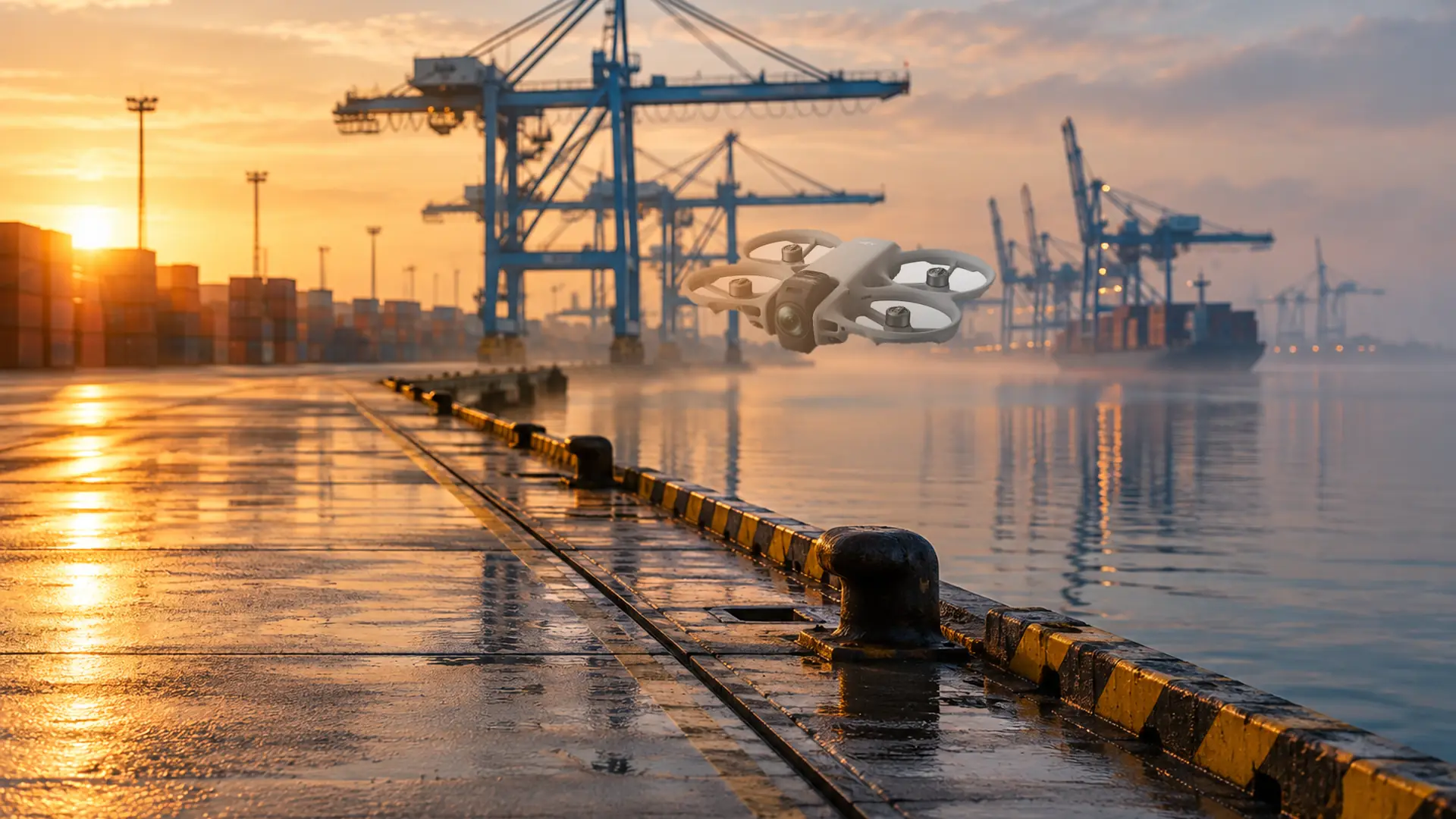
DJI has released firmware v01.00.0800 for the DJI Avata 360, and the headline addition is Waypoint Flight. You plot a route on the map, optionally set a Point of Interest, and the drone flies the line itself. For a 360-degree FPV drone known mainly for loose, fast shots, that is a feature which draws little attention and changes a great deal about how you plan a take.
The update was published on 20 October and tested in the days after. According to DroneXL this is the first Avata model to receive waypoint missions; neither the original Avata nor the Avata 2 ever got the feature, while waypoints have long been standard on the Mini and Mavic series. The Avata 360 therefore moves toward repeatable shooting.
What the update actually contains
Four changes appear in the release notes. Waypoint Flight is the biggest. FocusTrack gains zoom, so you can punch in while tracking a subject, the DJI RC Pro 2 is now supported, and Vision Assist switches its auxiliary view to match the direction of travel: forward shows the front, backward the rear, and so on. DJI also states, as usual, that "some known issues" were fixed, without a list.
The version numbers reach beyond the aircraft. The RC Pro 2 needs its own firmware (v01.00.0900), as do the RC 2, the Goggles 3 and N3, the RC-N2 and N3, the DJI Fly app and DJI Studio. Updating only the drone gets you nothing on the controller side. DJI also warns that an update can reset Return-to-Home altitude and maximum flight distance. Write those values down before you tap update. Image quality is unchanged: the Avata 360 still records 360-degree video up to 8K at 60 fps in HDR, framed later in the edit.
Why waypoints behave differently on a 360 camera
On a fixed-camera drone the direction of flight largely determines the shot. Not on the Avata 360: the aircraft captures the whole scene and the crop comes from the edit. That makes waypoints look redundant, until you use auto-export. Auto-export writes the view that was on screen during the flight, so anyone leaning on it needs the camera direction right. Plan the route for the edit, set the camera direction for auto-export.
Three applications that become practical
A fixed route around a building or object. A factory hall in the Botlek industrial area, a church in a village centre, a beach pavilion in September and again in May. You define the route once, Point of Interest included, and repeat it on the next shoot. The client gets footage that cuts together instead of two slightly different approaches.
Construction progress and handover. The same loop around a building volume every four weeks, at the same altitude and distance, produces a series you can lay side by side. It is not a geodetic survey and no replacement for an RTK platform, but for communication with clients and neighbours it is usable and cheap.
Repeatability for film and VFX. A recorded flight path is a plate you can shoot again after a scene change or for a reshoot. With 360 footage one path also yields several crops, which lowers flight hours per delivered shot.
Automatic is not autonomous
This is where technology and regulation meet, and where most confusion starts. A waypoint mission is automatic flight: the drone follows a predefined path, but the pilot stays in control and can intervene at any moment. Autonomous flight, where the aircraft makes its own decisions without intervention, is not permitted in the Open category. Under Regulation (EU) 2019/947 the remote pilot remains responsible for the flight, even when the sticks are not touched.
In the Open category the drone stays within visual line of sight, below 120 metres, away from uninvolved people, and the pilot can abort the mission. With this aircraft there is an extra layer: wearing goggles requires an observer who keeps watch on the airspace around the drone. A waypoint mission changes none of that and makes the observer more important, because the pilot is looking at a map and a menu rather than the sky.
Waypoints do not by themselves move an operation into the Specific category. The circumstances do: beyond visual line of sight, over people, over an industrial site, in controlled airspace, or outside the limits of the Open category. Once you are there, the operational authorisation or declaration you already hold applies, and that document was written around a particular way of flying.
What waypoints mean for your SORA file
SORA 2.5 has been part of the Easy Access Rules since ED Decision 2025/018/R. The core is unchanged: you substantiate ground and air risk, set your SAIL, and show that you stay inside the agreed volume. A pre-programmed route touches that file in three places.
First, your ConOps. If your application states that the pilot makes every movement by hand, a waypoint mission does not simply fit. Automatic flight is a different way of operating and belongs in the description, with the mitigations that come with it. The ILT compares what you document with what happens on site.
Second, containment, which weighs heavier in SORA 2.5 than in earlier versions. A route running close to the edge of your volume leaves little margin for position errors or an avoidance manoeuvre. Place waypoints so the buffer still holds, and record which failsafe action applies when signal or GPS is lost. See our explainer on containment levels in SORA 2.5.
Third, change control. Any routing logic you adopt as standard is a change to your operation. Keep the waypoint file, a screenshot of the map with distances and timings, and the flight data from the app for every mission. That is not only useful in an audit; it is the only way to prove afterwards that the flight stayed within the authorisation.
If you work in the Specific category under a PDRA or a standard scenario, check that automatic flight fits the assumptions of that document before making it your default workflow. When in doubt, the approval letter governs, not the DJI feature list.
Practical checklist for the first mission
- Record RTH altitude and maximum distance before the update and set them again afterwards.
- Update in the right order: aircraft, controller, goggles, app. Restart everything DJI lists.
- Test the feature on an empty field first, at low altitude, with a short three-point route.
- Keep waypoints away from your volume boundary and count the buffer, not just the centreline.
- Check airspace and current zones for every mission, even on a previously approved route. A NOTAM or temporary restriction changes your plan, not your file.
- Fly the first mission with an observer and record in the briefing who does what.
- Include the return-to-home leg in your battery planning; a mission takes longer than the counter suggests.
- Store the route file, the map with distance and duration, and the log for every flight. That is your evidence in an inspection.
- Check your insurance and, for commercial work, whether the policy covers automatic flights.
What this says about the European market
Mordor Intelligence puts the European drone services market at about USD 10.95 billion in 2026, growing roughly 24 percent a year to 2031. Much of that money goes to inspection, infrastructure and survey work, where repeatability matters more than the most beautiful move.
That is where the value of this update sits. For DJI, a firmware release with waypoints keeps existing aircraft in service longer. For buyers, the line between a cinematography tool and an operational platform blurs, and tenders start to ask whether a mission is reproducible and whether route logging and export formats exist. For operators, the cost shifts from repetition to preparation.
There is a sober side. The Avata 360 remains a cinematography aircraft; for centimetre precision, thermography or fixed flight planning through an external platform, RTK platforms stay the logical choice. And the European bottleneck is not technical. Approval lead times at national authorities and differences in SORA interpretation cost operators more time than programming a route ever will. Keep an eye on the Easy Access Rules and on the status of your own operational authorisation.
Where the waypoint button is and is not for
Waypoints solve one problem: getting the same shot again without depending on whether the pilot moves the same hand as last time. They solve nothing about airspace, permits, observers or whether you are allowed to fly at that location at all. Treat the feature as a preparation tool, not as a step toward autonomous flight.
If you want to use the update straight away, start with one fixed route at a location you know, repeat it after a month and see whether the footage really matches.
Frequently asked questions about waypoints and the DJI Avata 360
Do I need a separate permit to fly with waypoints?
No, the feature itself requires no new permit. The operation is what counts: in the Open category you stay within visual line of sight and below 120 metres, beyond that your existing operational authorisation or declaration applies. If automatic flight is not in your ConOps, it belongs there.
Can I fly a pre-programmed route beyond visual line of sight?
No. A waypoint mission is not a BVLOS approval. Flying beyond visual line of sight falls in the Specific category and requires a risk assessment with containment, observers or detection, and approval from the authority.
Are my routes and settings preserved after the update?
DJI does not guarantee that. The company explicitly warns that RTH altitude and maximum flight distance may reset. Record your values beforehand, check them afterwards and export routes you want to reuse.
Is the Avata 360 suitable for commercial inspection?
For visual inspection, reporting and communication footage, yes, with the caveat that the aircraft is not a measuring instrument. For measurement, thermography or centimetre-level repeatability, RTK platforms with a closed workflow remain the better choice.
Do I need an observer on waypoint flights?
With goggles, always, and for automatic missions it is sensible regardless. The pilot is looking at a map and a menu and does not see the airspace around the drone.